Prompt Engineering for Visual Storytelling
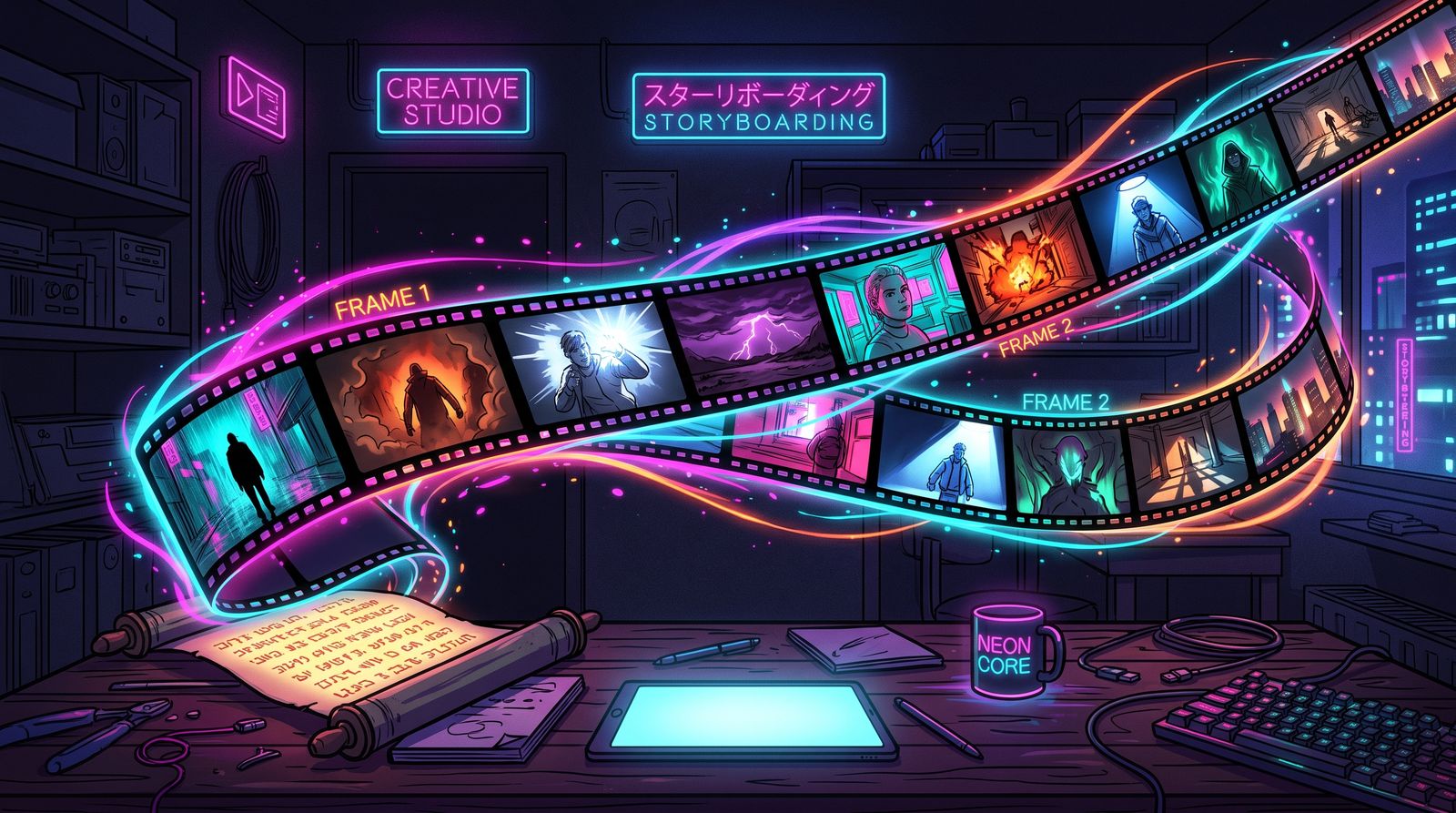
A prompt that makes a pretty picture and a prompt that serves a story are different animals. The first describes a subject. The second describes a moment — with a point of view, an emotional temperature, and a place in a larger narrative. If you are making comics, illustrated fiction, or any series of connected images, you need the second kind. This is how to write prompts that tell stories.
Think like a cinematographer
Film language is the most useful vocabulary you can bring to image prompts, because it encodes storytelling intent directly. The same scene shot wide feels lonely; shot in tight close-up it feels intimate or tense. Naming the shot, the angle, and the lens in your prompt gives you control over how the viewer feels, not just what they see.
- Shot size: wide establishing, medium, close-up, extreme close-up — each carries a different emotional distance.
- Camera angle: low angles empower a subject; high angles diminish them.
- Lens and depth: a shallow focus isolates; a deep focus includes the world.
- Lighting: hard light for drama, soft light for warmth, backlight for mystery.
Structure your prompt in layers
Strong story prompts are not run-on sentences. They are layered, with each layer doing one job. A reliable order is subject, action, setting, mood, then craft. Leading with the subject and what they are doing tells the model what the moment is about before you decorate it. Burying the action behind a wall of style words is the most common reason a prompt produces a beautiful image of the wrong thing.
- Subject: who or what, described with the few details that matter to this moment.
- Action: what is happening — the verb is the heart of a narrative image.
- Setting: where, and what time, weather, or season says about the scene.
- Mood: the feeling you want the viewer to walk away with.
- Craft: shot, lighting, color, and rendering style.
Carry continuity across a series
A single striking image is easy. A consistent visual world across twenty images is the real craft. Build a reusable style block — a short, fixed description of your palette, rendering, and lighting language — and append it to every prompt in the series. Pair it with reference-conditioning for recurring characters. The goal is that any single image, lifted out of context, still obviously belongs to the same story.
Keep a living prompt template for the project. When something works, fold it into the template so every future image inherits it. Continuity is mostly discipline: reuse what works instead of reinventing the look every time.
Prompt for emotion, then for detail
The most overlooked move in story prompting is naming the emotion. Models respond to feeling words — tender, ominous, triumphant, weary — because they steer everything from posture to color. Decide what the moment should make a reader feel, state it plainly, and let the concrete details support that feeling rather than fight it.
Iterate like an editor
Your first generation is a draft. Read it the way an editor reads a page: is the eye drawn to the right place, does the mood land, does it move the story? Then change one variable at a time — the lighting, the angle, a single descriptor — so you learn what each change does. Scattershot rewrites teach you nothing; controlled edits build the intuition that eventually lets you nail a prompt on the first try.
- Change one element per iteration so you can attribute the result.
- Save the prompt behind every keeper for reuse and remixing.
- When a prompt fails, ask what it lacked — usually action or mood, rarely more adjectives.
Prompt engineering for storytelling is really just storytelling with a new vocabulary. Learn to say what a moment means — its shot, its feeling, its place in the arc — and the images will start to do narrative work instead of merely looking nice.
Frequently asked questions
How do I write AI image prompts that tell a story?
Describe a moment rather than just a subject: who is in the frame, what they are doing, where it happens, how it should feel, and how it is shot. Film language such as shot size, camera angle, and lighting lets you control how the viewer feels, not only what they see. Naming the emotion you want is one of the most effective additions.
What order should the parts of an image prompt go in?
A reliable order is subject, action, setting, mood, then craft details like shot, lighting, color, and rendering style. Leading with the subject and the action tells the model what the image is about before style words are added. Burying the action under style descriptors often produces a beautiful image of the wrong thing.
How do I keep a consistent look across a series of AI images?
Write a short, fixed style block describing your palette, rendering, and lighting, and append it to every prompt in the series. Combine it with reference images for recurring characters. Maintain a project prompt template and fold in anything that works so later images inherit it.
What is the best way to iterate on an AI image prompt?
Change one variable at a time, such as the lighting, the camera angle, or a single descriptor, so you can tell what each change did. Save the prompt behind every image you keep. When a prompt fails, check whether it is missing a clear action or mood before adding more adjectives.