Building a Webcomic from Prompt to Panel
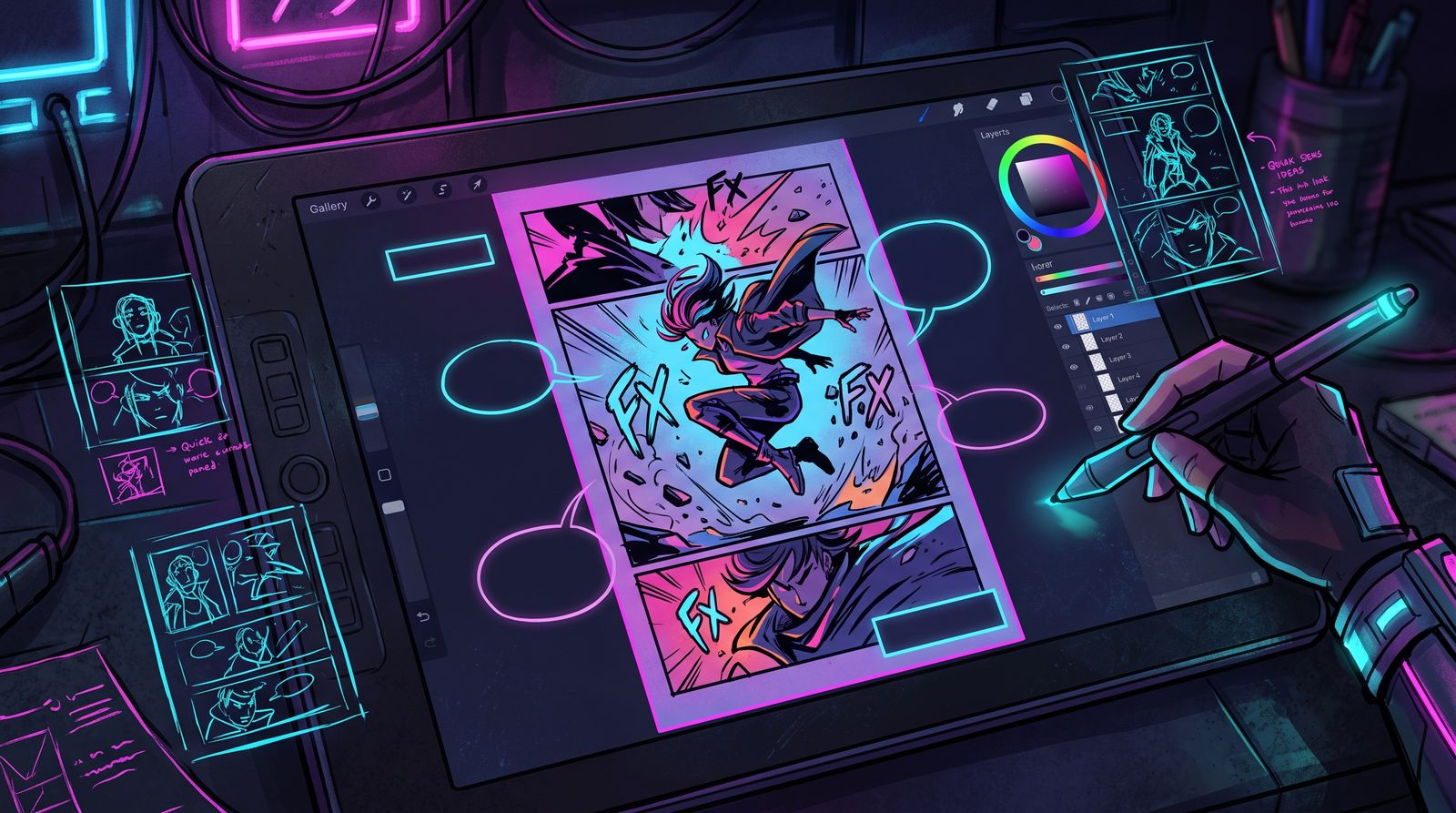
A great single image is a lucky moment. A webcomic is a machine: dozens of panels, recurring characters, consistent worlds, and a reading rhythm that carries an audience from one update to the next. AI makes the images possible, but the comic still has to be built. Here is the pipeline, stage by stage.
Start with character design, not the story
It is tempting to dive into page one, but a webcomic lives or dies on whether readers recognize your characters across hundreds of panels. Spend your first sessions nailing down a small cast. For each character, generate a turnaround — front, side, three-quarter — plus a few expressions and outfits. Save the prompts, references, and any fine-tune that gets them on model. This becomes your character pack, and you will lean on it for the entire run.
Consistency is the hardest part of AI comics, so solve it before you commit to a story. If you cannot reliably reproduce your lead character, you are not ready to write chapter one.
Write for panels, not paragraphs
Comics tell stories through what is shown and what is left between the panels. Before generating anything, thumbnail your page: rough boxes with stick figures and a note about the camera and the beat. This thumbnailing stage is where your storytelling actually happens. The AI renders the panel; you decide what the panel is.
- Vary your shots: wide establishing frames, mid shots for dialogue, close-ups for emotion.
- Control the eye. Each panel should make clear where to look and where to go next.
- Use the gutter — the space between panels — as a beat. What you skip is as expressive as what you show.
- Keep dialogue short. Readers came for pictures; let the art do the heavy lifting.
Generating panels that match your thumbnails
Now the AI work begins. For each panel, combine your character pack with a composition prompt describing the shot, mood, and action. Control-focused tools matter here: feed your thumbnail as a layout guide so the camera and posing match your plan rather than the model's whims. Expect to regenerate. A panel that is eighty percent right is often faster to fix in your refinement tool than to re-roll.
Keep your panels at a consistent style and color palette. Inconsistent rendering between panels is the fastest way to break a reader's immersion, so lock your style settings early and reuse them.
Assembly: where the comic comes together
Generated panels are raw material. In a layout tool you crop, arrange, and balance them on the page, add speech balloons and sound effects, and tune the reading flow. For vertical webtoons, design for the scroll: long, continuous strips where pacing is controlled by how far the reader travels. For traditional pages, design for the page turn and the reveal.
- Letter last. Place balloons after the art is final so they never cover a key detail.
- Mind the margins and gutters so the page breathes and the eye flows.
- Export at a resolution that looks crisp on phones, where most readers will see it.
Publish as a series, not a pile
A webcomic is a habit you build with readers. Pick a cadence you can sustain — weekly is ambitious, biweekly is realistic for most solo creators — and protect it. Consistency of schedule earns trust the same way consistency of art earns recognition. Build a buffer of finished pages before you launch so a bad week does not break your streak.
End updates on a small hook. Each page should leave the reader wanting the next one. The cliffhanger is the oldest tool in serialized storytelling, and it works because it respects the reader's curiosity.
The pipeline at a glance
- Design and lock your cast into a reusable character pack.
- Thumbnail each page to plan shots, beats, and flow.
- Generate panels with composition control, matched to your thumbnails.
- Refine and unify style, then assemble, letter, and export.
- Publish on a steady cadence with a buffer and a hook.
None of this is fast at first. But once your character pack and style are dialed in, your per-page time drops sharply, and you stop fighting the tools and start telling the story. That is when a string of images becomes a comic your readers will follow.
Frequently asked questions
How do I make a webcomic with AI-generated images?
Work in stages: design and lock a small cast first, thumbnail each page to plan shots and beats, then generate panels using your character references and a layout guide. Refine the panels so their style matches, then assemble them, add lettering, and export for phone screens. Publish on a steady schedule you can sustain.
How do I keep characters consistent across AI comic panels?
Before writing the story, build a character pack for each lead: turnarounds from the front, side, and three-quarter view, plus a few expressions and outfits. Save the prompts, reference images, and any fine-tune that keeps them on model, and reuse them for every panel. If you cannot reliably reproduce your main character, solve that before starting chapter one.
Should I add speech bubbles before or after generating comic art?
Add speech balloons last, after the art for the page is final. Lettering at the end lets you place balloons where they will not cover important details. Keep dialogue short so the artwork carries most of the storytelling.
How often should I update an AI webcomic?
Choose a cadence you can keep up with; for many solo creators biweekly is more realistic than weekly. Build a buffer of finished pages before launch so a difficult week does not break the schedule. Ending each update on a small hook gives readers a reason to come back.