Mastering Negative Prompts and Constraints in AI Art
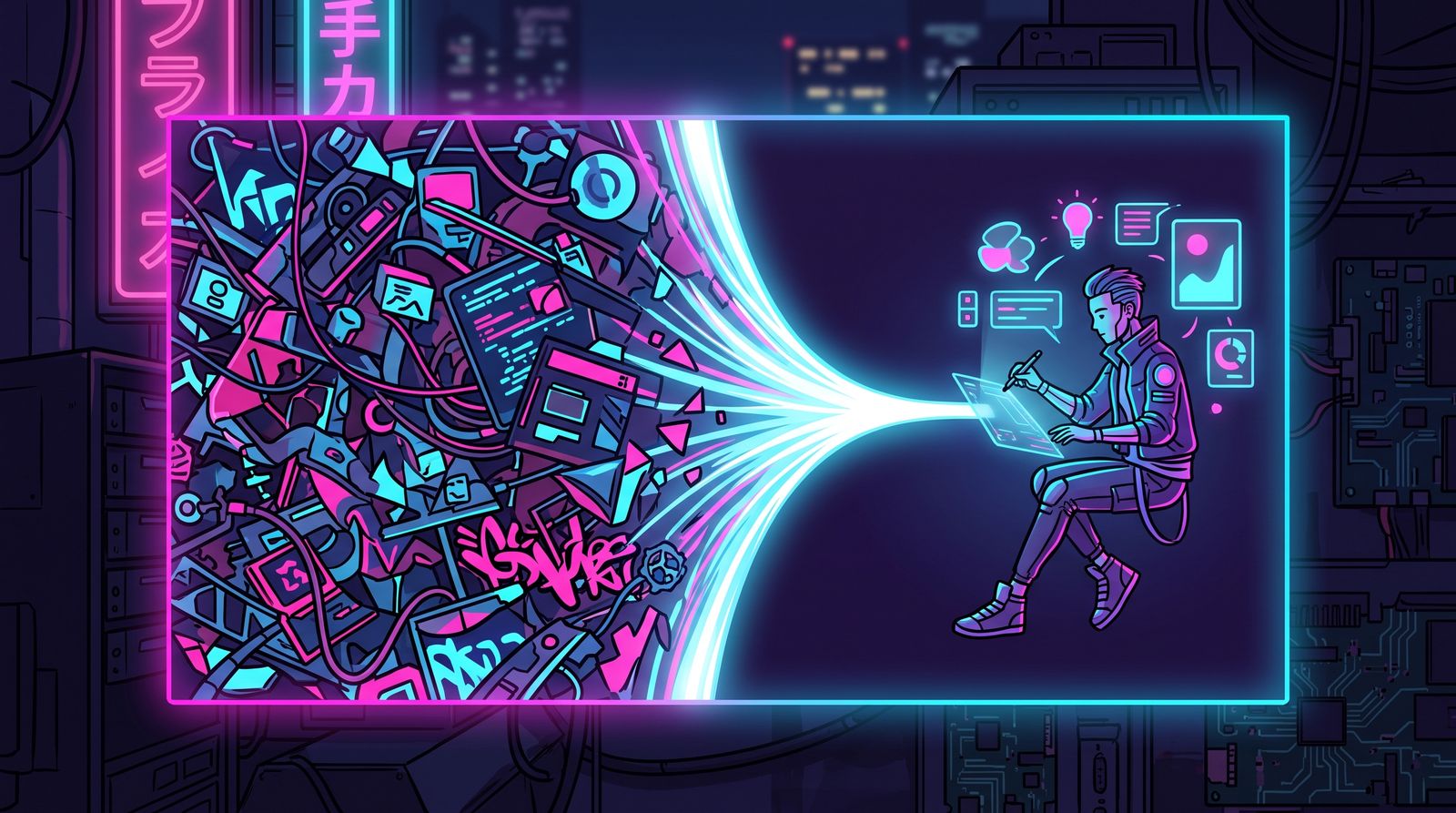
Almost every beginner spends their energy on the positive prompt: piling on adjectives, artists, lighting terms, and quality boosters until the box overflows. But the difference between an amateur generation and a clean, professional one is rarely about adding more. It is about subtraction. Negative prompts and constraints are how you tell the model what failure looks like, and a model that knows what to avoid produces dramatically more consistent results.
Think of it like directing an actor. A vague note like "be emotional" gets you nowhere. A precise note like "do not over-act the crying scene, keep the hands still" is something a performer can actually execute. Negative prompting is that second kind of note, applied to a model that is otherwise eager to please in all the wrong ways.
What a Negative Prompt Actually Does
A negative prompt steers the generation away from a region of possibility space. It is not a hard filter or a guarantee, and treating it like one leads to disappointment. When you write "blurry" in the negative field, you are nudging the model toward sharper outputs, not installing a sharpness law. The strength of that nudge depends on the model and your guidance settings, which is why the same negative term can be invisible in one workflow and transformative in another.
The practical consequence: negatives are most powerful when they target a specific, recurring artifact you can actually see in your outputs. Generic "quality" negatives copied from a forum thread do very little. Targeted negatives aimed at your own failure modes do a lot.

Build Your Negative Prompt From Observed Failures
The best negative prompt is not a template you reuse forever. It is a running list you assemble by watching what your specific setup gets wrong. Generate a batch of eight, look at them honestly, and name the recurring problems. Six-fingered hands? Add hand-related negatives. Washed-out, milky contrast? Add terms for low contrast and overexposure. A subject that keeps drifting toward a stock-photo smile? Add that.
- Anatomy artifacts: extra fingers, fused limbs, malformed eyes, asymmetric faces
- Technical defects: blur, noise, jpeg artifacts, oversharpening halos, banding
- Compositional noise: text, watermarks, signatures, frames, borders, UI elements
- Tonal problems: overexposed highlights, crushed shadows, flat low-contrast washes
- Unwanted style bleed: cartoonish when you want photoreal, plastic skin, the over-saturated "AI look"
Keep this list short and sorted by what you actually observe. A negative prompt with forty terms is usually worse than one with eight, because every term competes for influence and the meaningful ones get diluted. If you cannot point to an image where a negative term solved a visible problem, cut it.
Constraints Are More Than the Negative Field
Negative prompts are one constraint tool. Real control comes from layering several. Aspect ratio constrains composition before a single pixel is drawn. A tightly scoped positive prompt constrains by omission: if you do not mention a background, you are leaving it to chance, so name it. Seed locking constrains variation so you can change one variable at a time and actually learn what each edit does.
Phrasing itself is a constraint. "A woman, eyes closed" invites the model to interpret loosely. "A woman with her eyes fully closed, relaxed eyelids, no eye contact" removes the ambiguity that produces half-open, uncanny stares. You are not adding flourish; you are closing escape routes the model would otherwise take.

Common Mistakes That Quietly Sabotage You
The most common error is contradiction. Asking for "minimalist, highly detailed, intricate, clean negative space" gives the model irreconcilable instructions, and it splits the difference into something muddy. Decide what you want and let the rest go.
- Do not stack synonyms ("ugly, hideous, gross, unattractive") expecting compounding strength; pick the one term that matches what you see
- Do not negate things the model was never going to generate anyway; it wastes influence
- Do not copy a 50-term negative prompt from someone using a different model and assume it transfers
- Do not put style direction in the negative when the real issue is a weak positive prompt
- Do test with the negative removed occasionally; you may find it was doing nothing or, worse, fighting you
A good habit: change one negative term at a time on a locked seed. If the image does not visibly improve, the term is not earning its place. This sounds tedious, but twenty minutes of disciplined testing builds an intuition that saves hours later.
A Workflow You Can Adopt Today
Start with the leanest positive prompt that captures your intent and an empty negative field. Generate a batch. Catalog the failures you actually see. Add three to five targeted negatives aimed only at those failures. Regenerate on the same seed and confirm each one helped. Then, and only then, refine the positive prompt for style and mood. By separating "fix the defects" from "improve the art," you stop conflating two different jobs, and both get easier.
Constraint-first prompting feels slower at first because it asks you to slow down and look. But it is the fastest path to a library of images that look intentional rather than lucky. The model is always going to do something; your job is to fence off everything you do not want, and let it fill the space that remains.
Frequently asked questions
What does a negative prompt actually do in AI image generation?
A negative prompt steers the model away from a region of possibility, such as blur or extra fingers, rather than acting as a hard filter. It nudges the output instead of guaranteeing a result, and how strong that nudge is depends on the model and your guidance settings. That is why the same negative term can do almost nothing in one workflow and make a big difference in another.
How many terms should I put in a negative prompt?
Keep it short, usually around eight targeted terms rather than forty. Every term competes for influence, so a long list dilutes the ones that matter. If you cannot point to an image where a term fixed a visible problem, remove it.
Should I copy negative prompts from other people?
Generally no. A long negative prompt written for a different model rarely transfers, and generic quality terms do little. Build your own list by generating a batch, naming the recurring flaws you actually see, and adding negatives aimed only at those flaws.
How do I test whether a negative prompt term is working?
Lock the seed and change one negative term at a time, then compare the results. If the image does not visibly improve, the term is not earning its place. Occasionally remove the negative prompt entirely to check that it is not doing nothing or working against you.