Color, Light, and Composition: Directing the AI’s Eye
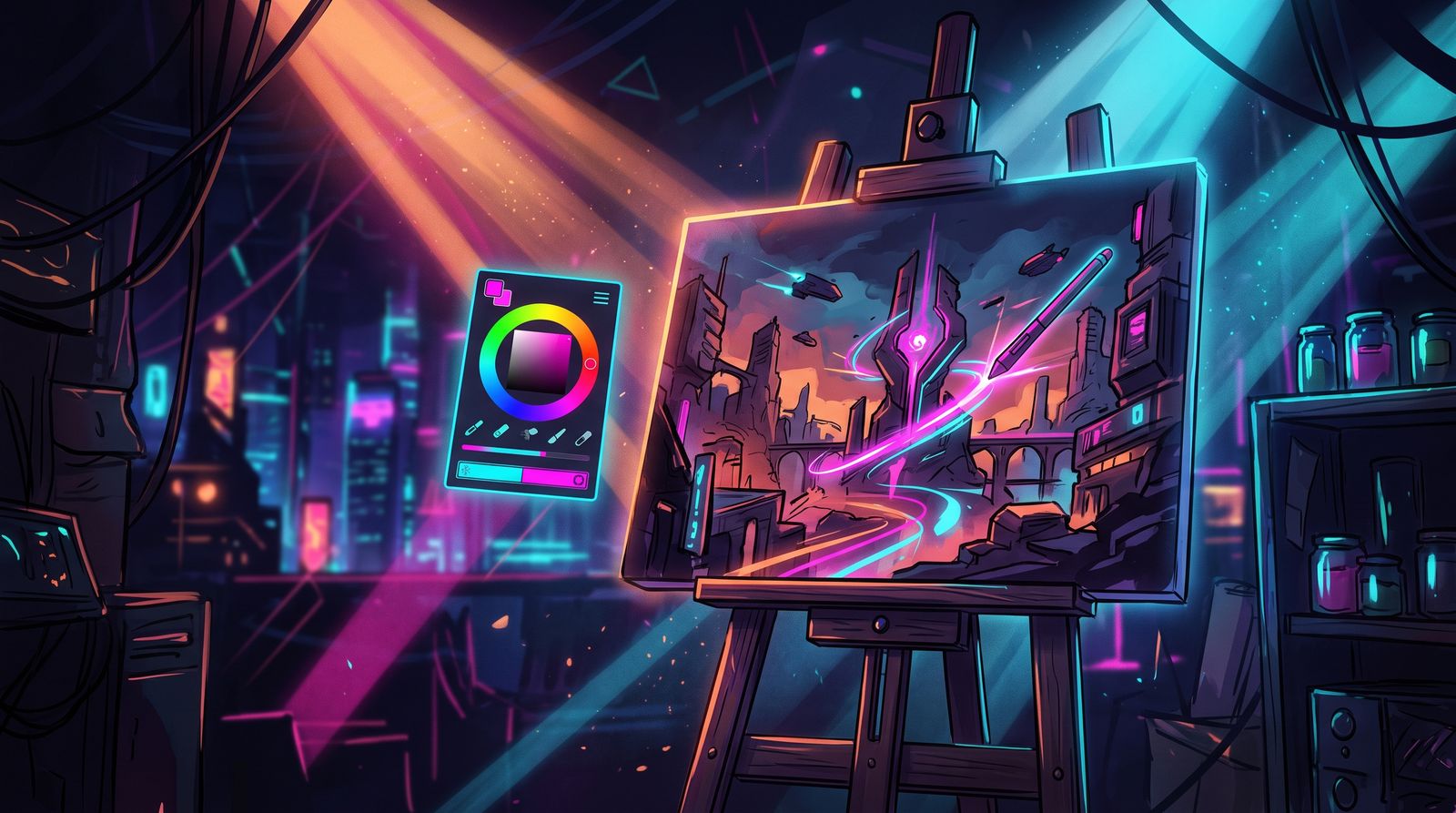
There is a reason some AI images look instantly like AI and others could pass for a magazine cover. It is almost never the subject. It is the light, the color relationships, and where things sit in the frame. These are the same fundamentals that working photographers and painters spend careers on, and the good news is that the model already understands them. You just have to ask.
The default output of most models, left to its own devices, drifts toward flat, evenly lit, centered, over-saturated images. That is the visual equivalent of a default font. Directing color, light, and composition is how you replace the default with intent.
Light Is the First Thing You Should Name
Light does more work than any other variable in an image. It sets mood, reveals form, and tells the eye where to look. Yet most prompts ignore it entirely, which is why so many generations feel lifeless. Name the quality, the direction, and the source of your light and the whole image changes character.
- Quality: hard light (sharp shadows, drama, tension) versus soft light (gentle gradients, calm, flattering)
- Direction: side light for texture and depth, backlight for rim glow and separation, front light for clarity, top light for mood
- Time and source: golden hour warmth, blue hour cool, harsh noon, candlelight, neon, an overcast softbox sky
- Contrast: high-key bright and airy, low-key dark and moody, or a balanced mid-range
A prompt that says "portrait of a man, soft side light from a window, deep shadows on the far cheek" will outperform a prompt with three more quality boosters and no lighting direction. Light is leverage. Spend your words there first.

Color That Tells a Story
Color is not decoration; it is emotion and structure. Films and paintings rarely use every color at once. They commit to a palette, and that restraint is what makes them feel designed. You can do the same by naming a color relationship instead of listing colors at random.
Complementary palettes (teal and orange, purple and yellow) create energy and pop because the colors sit opposite each other on the wheel. Analogous palettes (blues into greens, reds into oranges) feel harmonious and unified. A near-monochrome palette feels elegant and intentional. Whatever you choose, the instruction "muted earth-tone palette with a single warm accent" gives the model a coherent target, where "colorful" gives it permission to overload.
- Pick a dominant temperature (warm or cool) and let the other appear only as an accent
- Use desaturation deliberately; muted color often reads as more cinematic than full saturation
- Reserve your brightest, most saturated color for the focal point so the eye knows where to go
- Avoid asking for many strong colors at once unless chaos is the goal

Composition: Where the Eye Lands
Composition is the arrangement that guides the viewer through the frame. The model defaults to dead-center subjects because that is the statistical average of its training data, but center framing is rarely the most interesting choice. Borrow the classic tools and ask for them by name.
- Rule of thirds: place the subject off-center for a more dynamic, less static frame
- Leading lines: roads, rails, shadows, and architecture that draw the eye toward the subject
- Framing: doorways, windows, foliage in the foreground to add depth and focus
- Negative space: empty area that gives the subject room to breathe and signals calm or scale
- Depth layers: a clear foreground, midground, and background to defeat the flat AI look
Camera language helps too. Specifying a wide-angle lens, a shallow depth of field with background blur, a low or high vantage point, or a tight crop tells the model how to construct space. "Low-angle shot, 35mm, shallow depth of field" is far more directive than "epic" or "cinematic," words the model has heard so many times they barely register.
Putting It Together Without Overloading
The temptation, once you learn this vocabulary, is to use all of it at once. Do not. A great image usually commits to one strong idea per axis: one clear light setup, one palette, one compositional device. Stack three lighting terms and a six-color palette and a dozen composition tricks, and the model averages them into mush.
Try this discipline: write one phrase for light, one for color, and one for composition, and nothing else for those three jobs. Generate, evaluate, and adjust only the weakest of the three. By treating these as three deliberate decisions rather than a word-salad of style terms, you direct the image instead of hoping for it. That shift, from decorating prompts to directing them, is what separates work that looks generated from work that looks made.
Frequently asked questions
How do I make AI art look less like AI?
Direct the light, color and composition instead of relying on the model's defaults, which drift toward flat, evenly lit, centered and over-saturated images. Name a specific lighting setup, commit to a defined palette, and place the subject deliberately in the frame. These are the same fundamentals photographers and painters use.
What lighting terms should I use in AI image prompts?
Describe the quality of light (hard or soft), its direction (side, back, front or top), its source or time of day (golden hour, blue hour, neon, candlelight), and the overall contrast (high-key or low-key). A phrase like soft side light from a window with deep shadows does more than several generic quality boosters.
How do I choose a color palette for an AI-generated image?
Name a color relationship rather than listing random colors. Complementary pairs like teal and orange add energy, analogous palettes feel harmonious, and near-monochrome feels elegant. Pick one dominant temperature, use the other as an accent, and save the most saturated color for the focal point.
Why does my AI art always put the subject in the center?
Models default to centered subjects because that reflects the average of their training data. Ask for composition by name, such as rule of thirds, leading lines, foreground framing or negative space. Camera terms like low-angle shot, 35mm or shallow depth of field also tell the model how to build the space.