AI Music Generation: From Idea to Finished Track
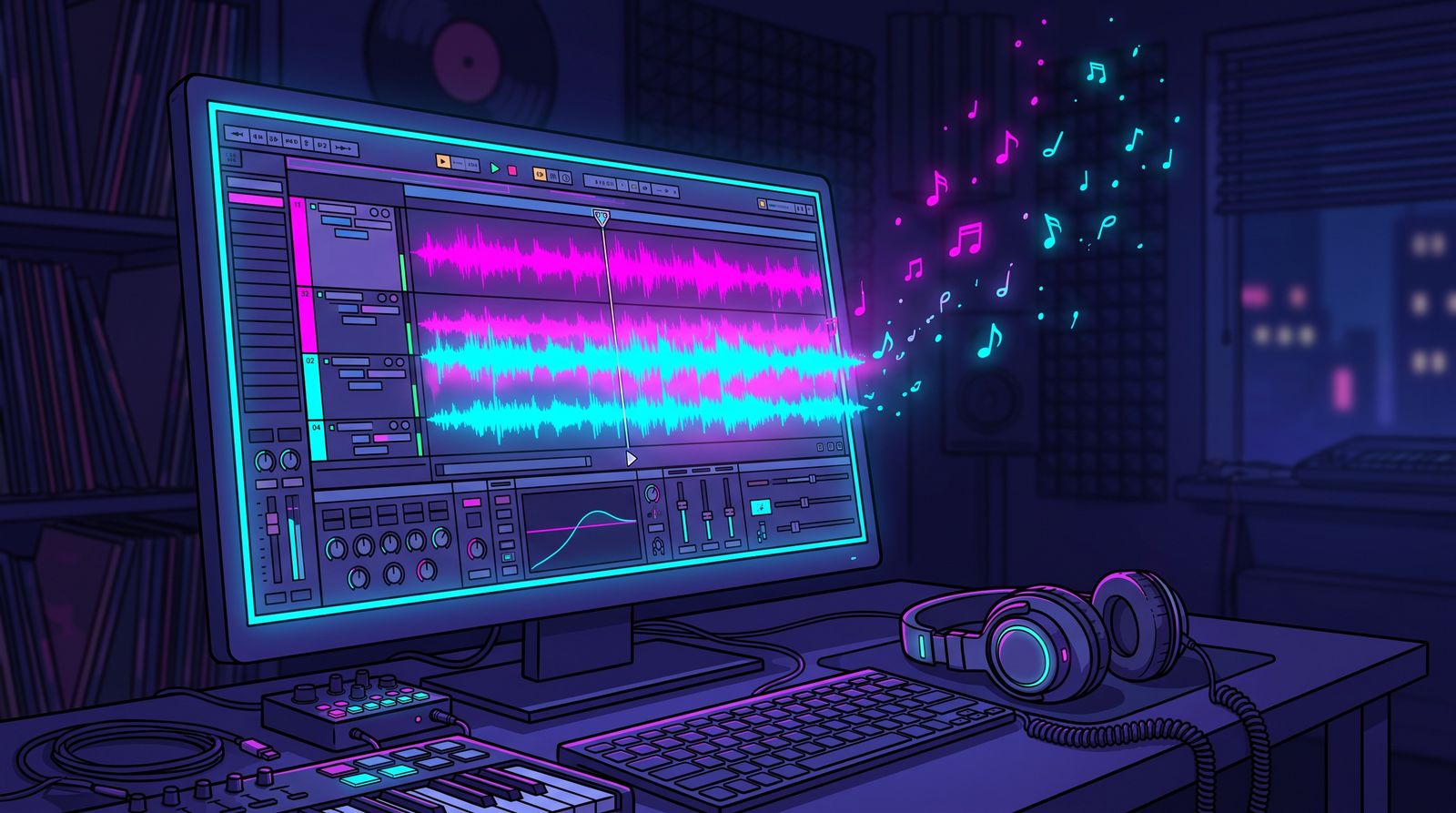
Generating a song with AI is trivial now. Type a vibe, get a finished-sounding track. That is the trap. When the tool does everything, everyone's output converges on the same polished average. The interesting work — the work people remember — starts where the generator stops. This is a guide to using AI music tools as a starting point rather than a finish line.
Generate intent, not just output
The quality of an AI track is set by the specificity of your idea. "Upbeat pop song" gives you the average of everything. A real brief gives you something to shape: the tempo, the mood, the era it nods to, the instrument that carries the hook, the emotion in the chorus. Treat the prompt the way a director treats a brief to a composer — the more clearly you know what you want, the less generic what you get.
- Name a tempo and feel, not just a genre.
- Describe the emotional arc — where the song lifts and where it pulls back.
- Reference textures and instruments, not just other artists.
- Say what the song is for: a montage, a quiet moment, a dance floor.
Treat the first result as a demo
The biggest shift in mindset is this: the generated track is a demo, not a master. It tells you whether the idea works. Once it does, the real production begins — and that is where your fingerprints go on the track. Pull the result into a DAW and start making decisions the generator could not make for you.
Where to add your hands
You do not have to be a trained producer to make an AI track yours. A handful of edits transform a generic generation into something with intention behind it.
- Arrangement: cut the boring bars, repeat the great ones, and build a real intro, drop, and outro.
- Layering: stack your own samples, a live instrument, or a vocal over the generated bed.
- Sound design: swap a generic synth for one with character; re-EQ to carve out space.
- Dynamics: automate volume and filters so the track breathes instead of sitting flat.
Vocals and the human element
Nothing signals a human more than a voice. Whether you sing, rap, record a spoken sample, or layer field recordings from your own life, a personal sonic element is the fastest way to escape the AI average. Even a single recorded sound — a door, a street, a breath — anchors the track in a real moment that no prompt can reproduce.
Mixing: the unglamorous difference-maker
A lot of what makes AI music sound cheap is not the notes — it is the mix. Generated stems often arrive muddy, with everything fighting for the same frequencies. Spend time giving each element its own space: balance levels, carve frequencies with EQ, add depth with reverb and delay, and glue it together with gentle compression. A modest idea, well mixed, beats a great idea drowning in mud.
- Balance first — get the relative levels right before reaching for effects.
- Carve frequencies so the bass, vocals, and leads each have room.
- Use reverb and delay for depth, but keep the core elements dry and present.
- Reference a track you love at the same volume to check your decisions.
Finish, release, repeat
Perfectionism kills more tracks than bad ideas do. Set a standard, hit it, and release. Each finished song teaches you more than a folder of half-mixed sketches ever will. The goal is not one perfect track — it is a body of work that gets steadily more you with every release. Let AI handle the blank page; you handle everything that makes it worth hearing.
Frequently asked questions
Why does AI-generated music all sound the same?
When a vague prompt lets the generator make every decision, the output drifts toward a polished average of everything it has learned. Specific briefs and hands-on editing after generation are what make a track distinct. Treating the generated song as a starting point rather than a finished product is the main way to avoid that sameness.
How do I write a better prompt for an AI music generator?
Write it like a brief to a composer. Name the tempo and feel rather than just a genre, describe where the song should lift and pull back, mention specific textures and instruments, and say what the music is for, such as a montage or a quiet scene. The clearer your intent, the less generic the result.
How can I make an AI-generated song my own?
Import the generated track into a DAW and treat it as a demo. Rearrange it by cutting weak bars and building a real intro and outro, layer your own samples, instruments, or vocals, swap generic sounds for ones with character, and automate volume and filters. Even one personal recorded sound can anchor the track in something a prompt cannot reproduce.
How do I fix a muddy AI music mix?
Start by balancing the relative levels of each element before adding effects. Use EQ to carve out frequency space so bass, vocals, and leads are not competing, add reverb and delay for depth while keeping core elements present, and use gentle compression to glue the mix. Compare against a reference track you like at the same volume.